Modrinth Installation
Before you can start your journey, you'll need the Modrinth App. Follow these steps to get set up and playing in minutes.
Installing Modrinth
Before you can start your journey, you'll need the Modrinth App. It is a lightweight, open-source launcher that handles all the heavy lifting for you.
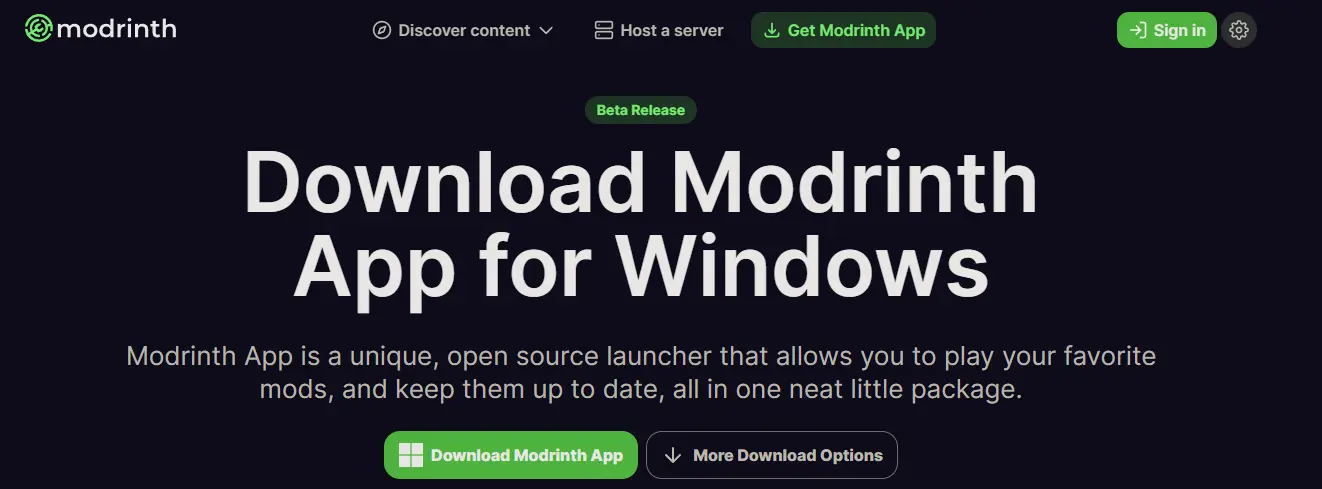
- Download: Go to the official Modrinth Download Page.
- OS Selection: Choose the version that matches your computer (Windows, macOS, or Linux).
- Install: Run the installer and follow the on-screen instructions to complete the setup.
Logging into Minecraft
Once the launcher is open, you need to link your Minecraft account.
- Look at the bottom-left or top-right corner of the app for the User Profile icon.
- Click Add Account and sign in using your Microsoft account (ensure it owns a copy of Minecraft Java Edition).
- Once successful, your skin and username should appear in the launcher.
Installing the MMORealms Modpack
Click on the Discover Content section under Servers and search for MMORealms, or open the MMORealms server page directly. Then click the Play button which will automatically install the latest pack.
Launching & Joining
Now that the pack is installed, you are ready to play!
- Go to your Home tab (the house icon on the left).
- Find the mmorealms.gg.gg instance and click the Play button.
- Once the modpack launches, click the Play button to join the server.
You're In!
Once connected, choose your starter Pokemon from any generation. You'll receive a starter kit with PokeBalls, tools, and armor. Ready to begin your trainer journey?